
Getting Started with ROXFIT
You're in. Now let's get to work.
Setup takes two minutes. This guide covers everything from account creation to your first workout. So you can skip the poking around and get straight to the training.
1. Download and sign up
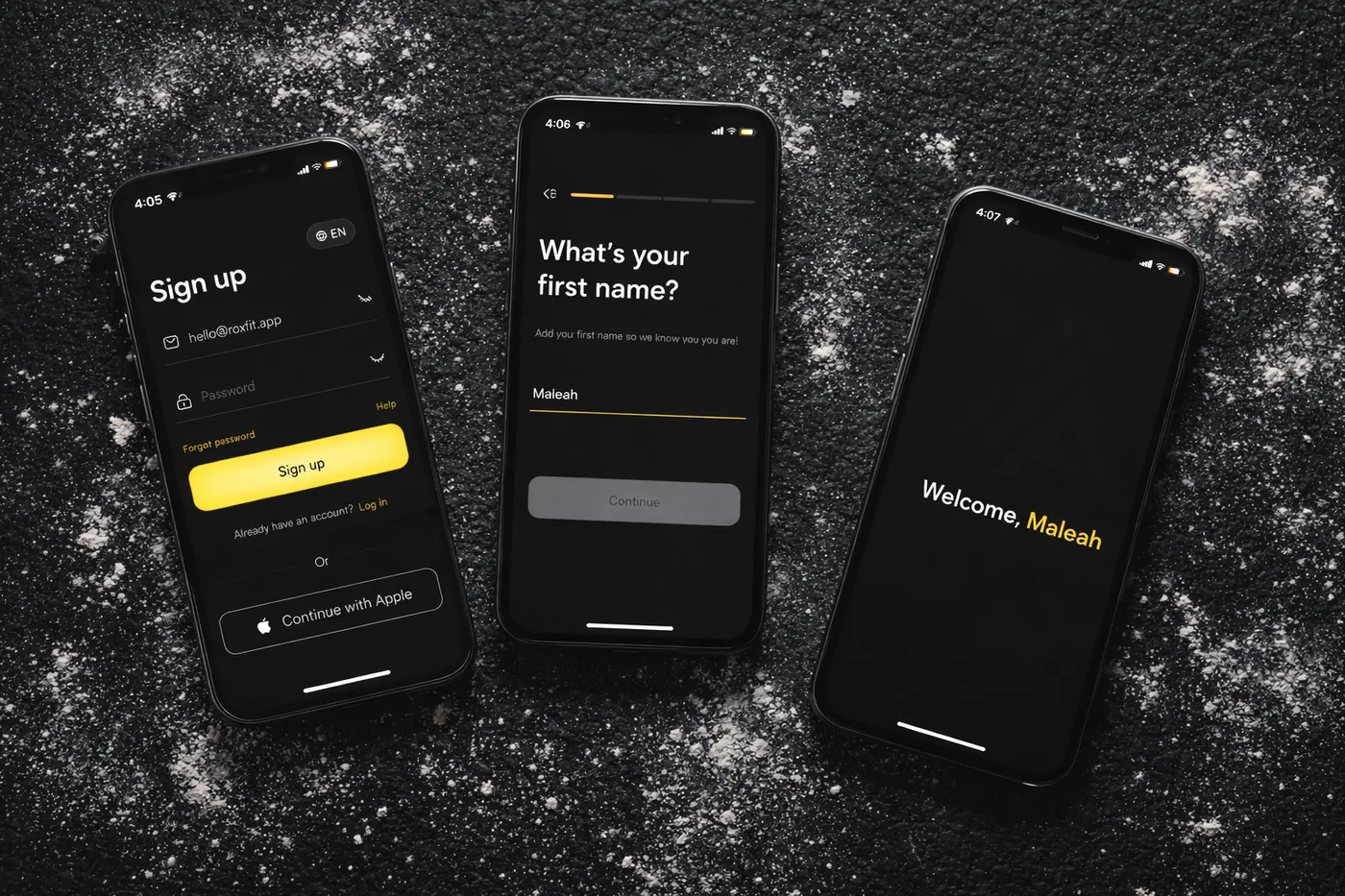
Grab ROXFIT from the App Store or Google Play. Open it, swipe through the intro, tap Sign Up. Email and password, or Google or Apple - your call. We'll ask for your name, gender, and date of birth. That's it. You're in before your pre-workout kicks in.
2. Make it yours
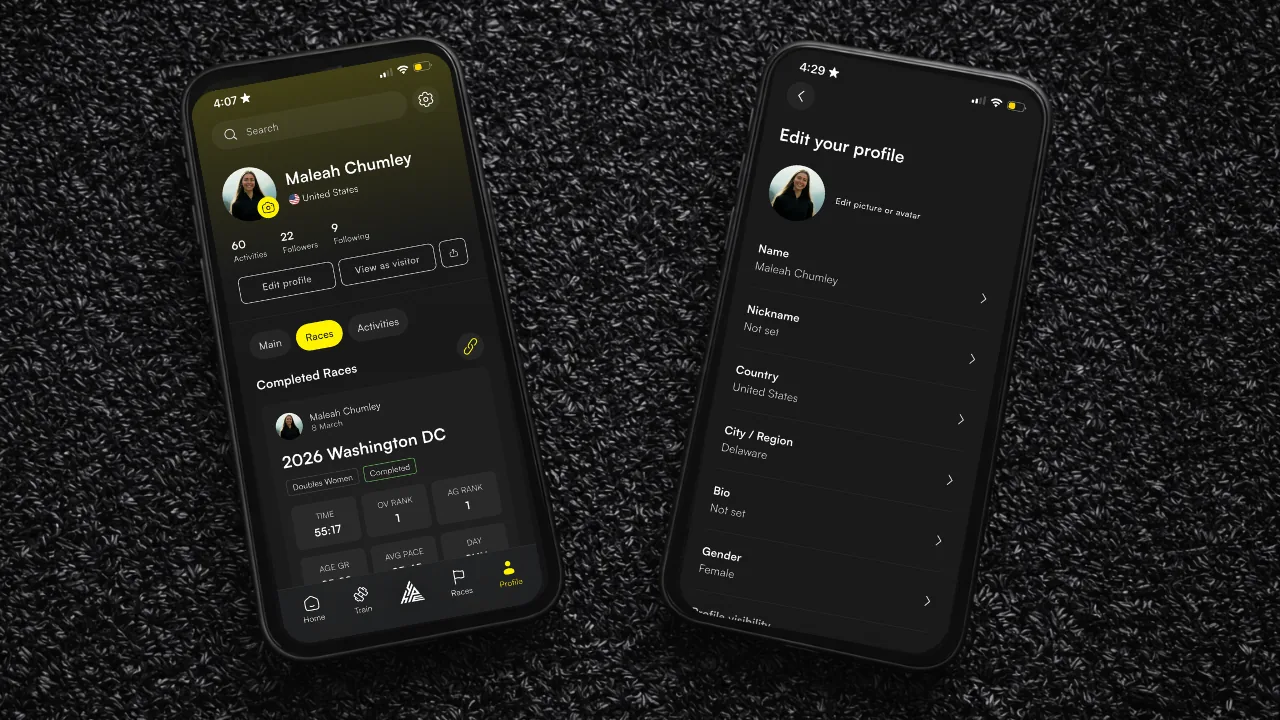
After sign-up, you'll see an Account Setup card on your You tab. This nudges you to finish your profile, but nothing here is mandatory. Come back to it when you're ready.
| Step | What you do |
|---|---|
| Complete Profile | Profile picture, alternative race name (nickname), bio, location, profile visibility |
| Tell Us About Your Races | Find your HYROX results and attach them to your profile. The app may suggest races to link by matching your name with results. |
| Build With HYPE | Try the AI workout builder. (We'll come back to this.) |
You can skip all of it and dive straight into training. But five minutes now saves you the faff later, and linking your race results and building your profile is one of the best bits.
3. Five buttons. Here's how it fits together.
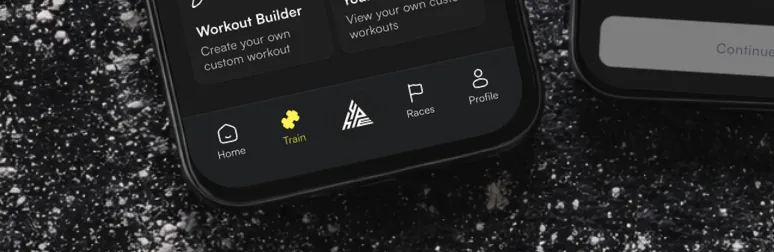
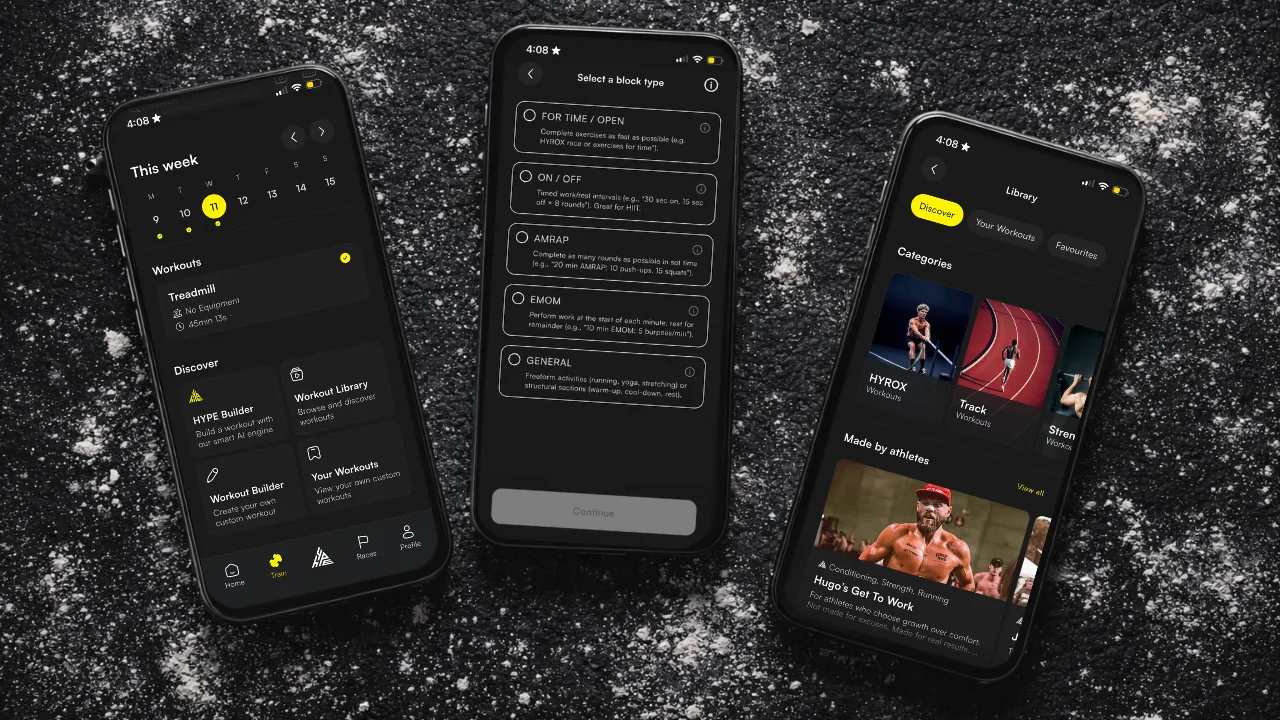
ROXFIT runs across five buttons at the bottom of the screen, with HYPE sitting in the centre.
| Tab | What it's for |
|---|---|
| Home | Your feed: WOD, quick links to race calculators and workouts, discover upcoming events and the athletes racing them, athlete playlist workouts. |
| Train | Your training hub: the weekly planner, the full workout library, and the workout builder. View and plan all your workouts here. |
| HYPE (centre button) | Our AI workout builder and training assistant: describe a workout in text, voice, or image and HYPE builds it. Ask it training questions or pull your stats. |
| Races | HYROX events coming up, athletes you can track, your past results, and upcoming linked races. |
| You | Your own page, with tabs along the top including Insights, Workouts, Races and Activity. Your PBs, streaks, linked race results, settings, and connected devices all live here. |
That's the whole app. Once you've poked around for five minutes, it clicks.
4. Your first workout - three ways in
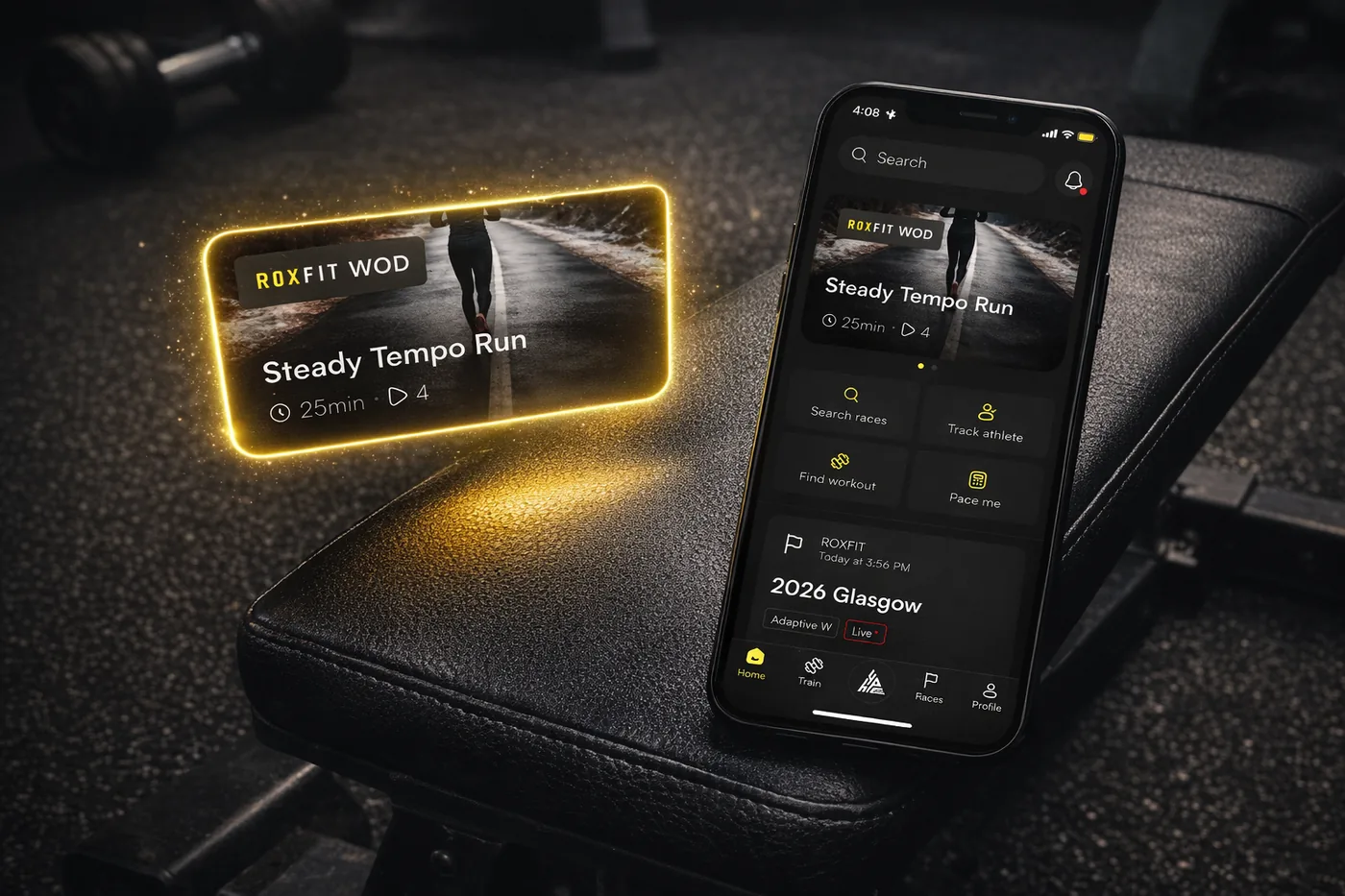
The WOD
The Workout of the Day sits at the top of your Home feed. A new one every day. Just tap, preview, and go. Run it on your phone or push it to your wearable (if it's connected).
The library
Head to Train and browse the Workout Library. Workouts are organised by time, focus, and category. Find something that fits where you're at, favourite it for later, or just start.
Build with HYPE
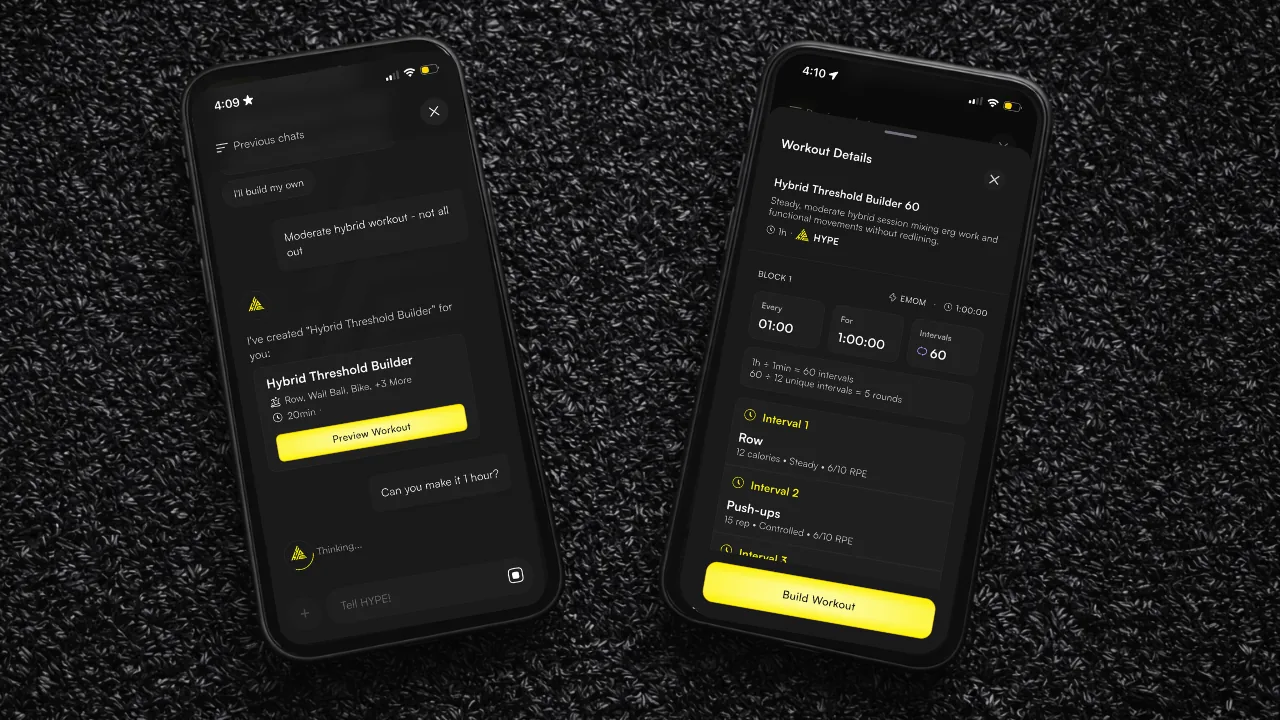
Tap the HYPE button and tell it what you want. It builds. Try something like:
- "30 minute HYROX session, I've got a ski erg and a barbell"
- "EMOM 20 with kettlebell swings and burpees"
- "Something hard for 45 minutes, no equipment"
Full breakdown of what HYPE can do is in the Building a Workout guide.
5. Run it from your wrist
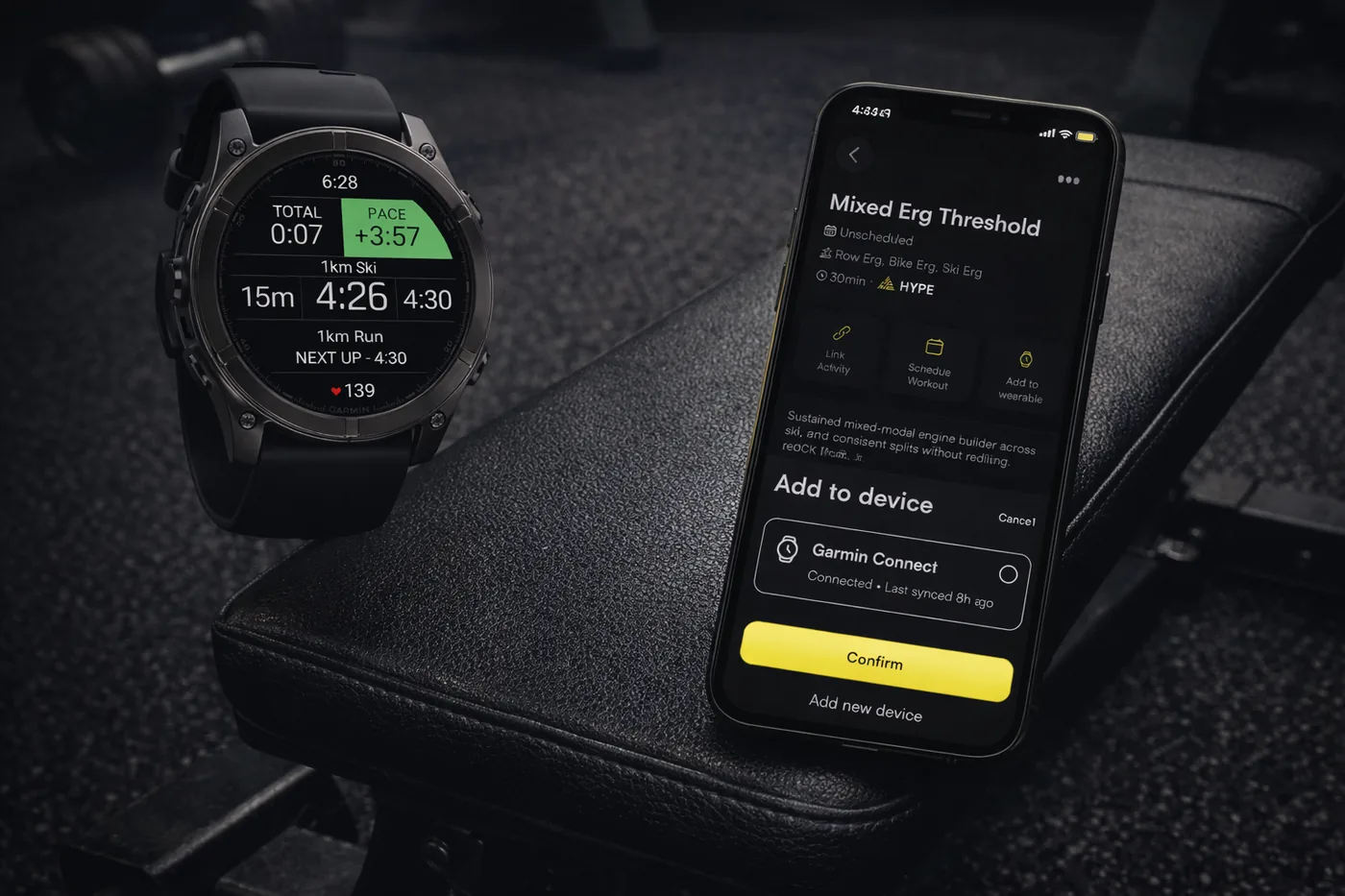
ROXFIT works with Apple Watch, Garmin and Wear OS. Getting your watch connected before your first session means you're ready to run workouts from your wrist from day one. Mid-sled push, no phone in sight.
6. Where to go next
The more of this you set up, the more ROXFIT works for you. Here's what's worth exploring next:
- Build a custom workout - HYPE AI or the manual builder
- Set up Race Goals - Race Calculator, predicted splits, race-day prep
- Find your race results - link your HYROX history to your profile
- Sync to Apple Watch , Sync to Garmin or Sync to Wear OS - take training off your phone
