How to use Race Goals
Stop guessing your splits. Start racing to a plan.
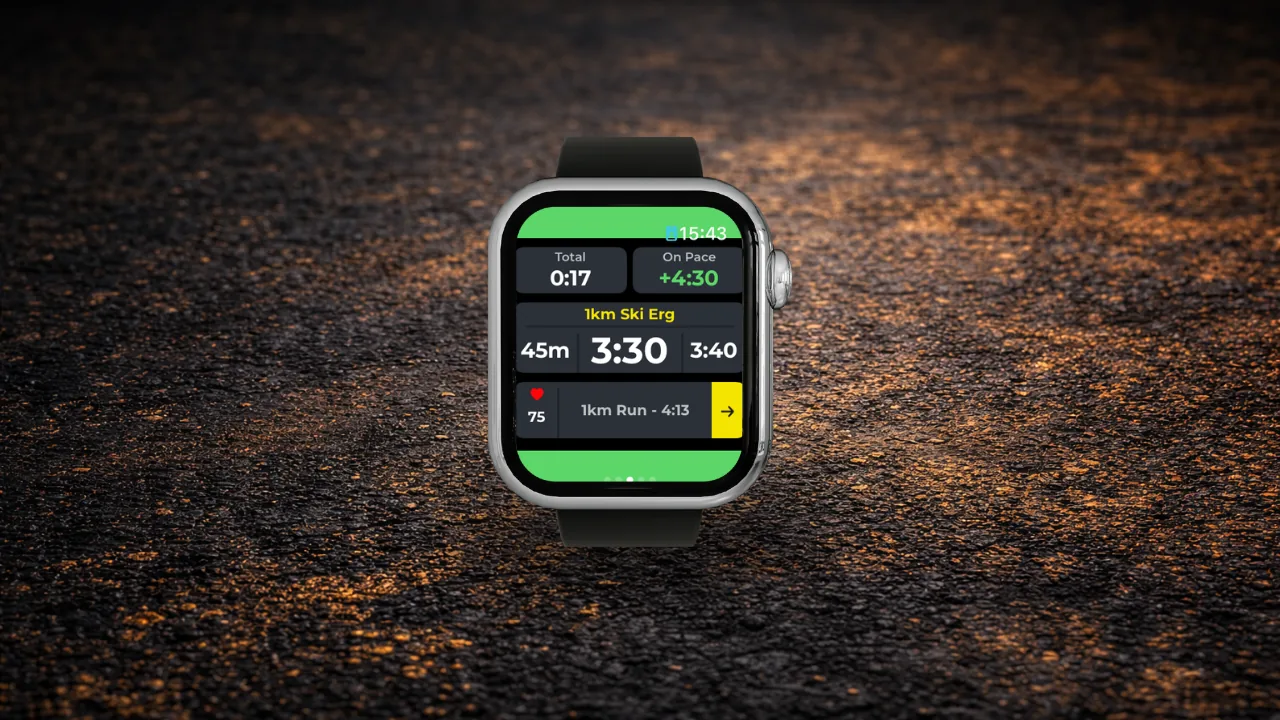
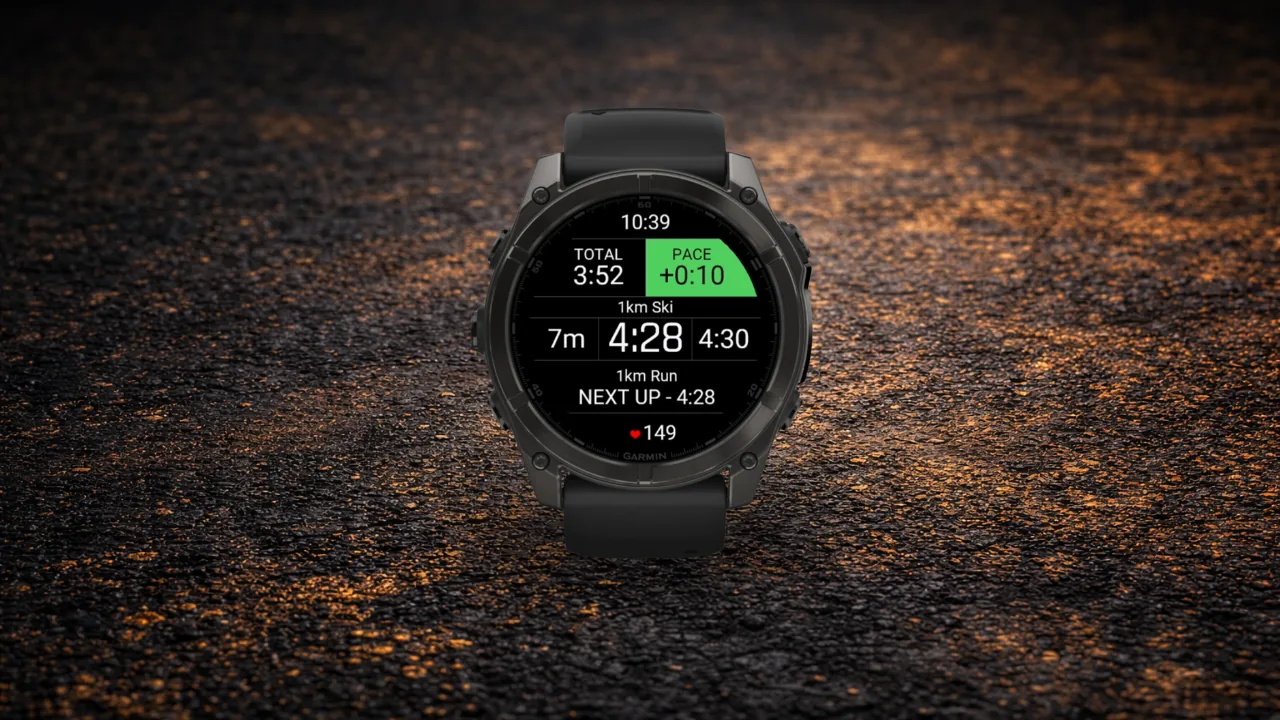
Most people turn up to a HYROX race with a goal time and no real plan for hitting it. Race Goals changes that. Tell it your target, your division, and your venue, and it maps out exactly how long you should spend on every run, every station, and your total ROXZONE time. Those station and run splits go straight to your watch. Race day stops being a hopeful outcome and becomes an actionable plan.
How it works
You put in your goal time. ROXFIT builds your split plan, something you can then adjust if you need to. Let's be honest, we're all a bit ambitious with our finish time until we see the run splits required to hit the goal! Every station has a target time. Every run has a time. And when it's on your wrist, you know at every point in the race whether you're ahead or behind.
That's the difference between completing an event and racing to plan.
Step 1: Open Race Goals
Three ways in:
- Tap the search bar on the Races tab and select Race Goals
- From any Event page, tap the Calculator icon in the top right corner
- From the Home page, tap the Race Goals icon
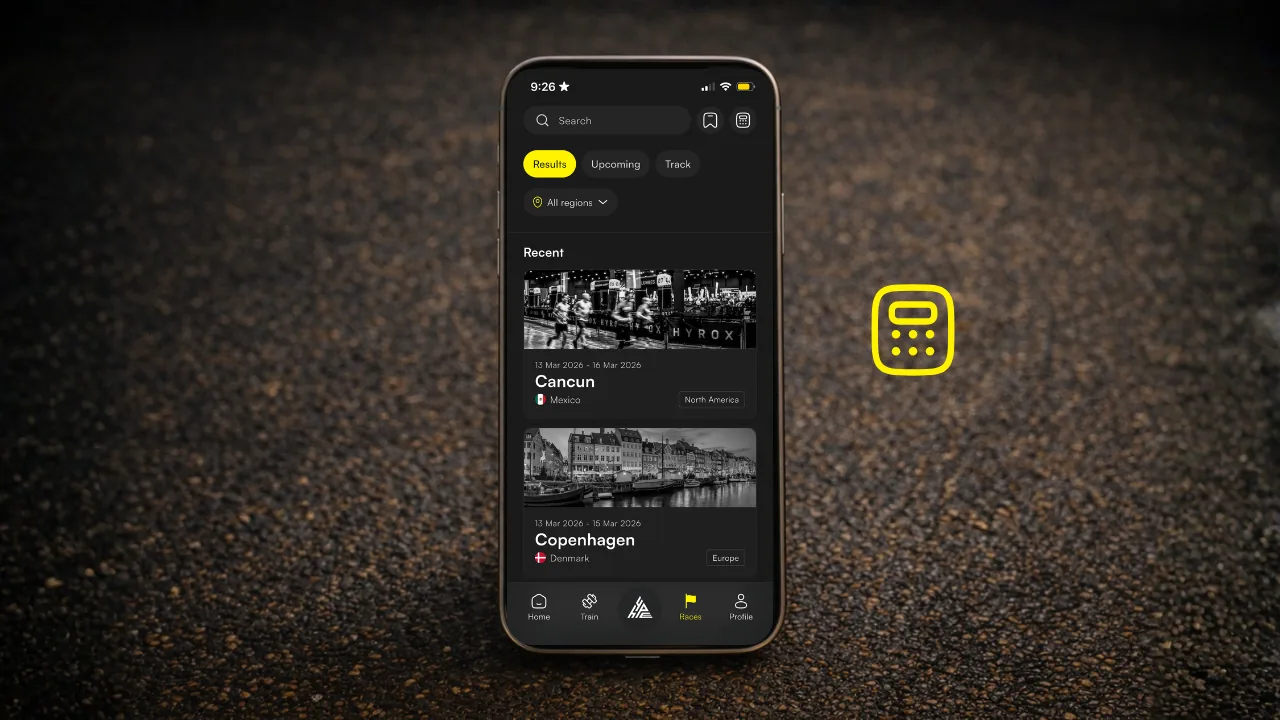
Step 2: Select your venue
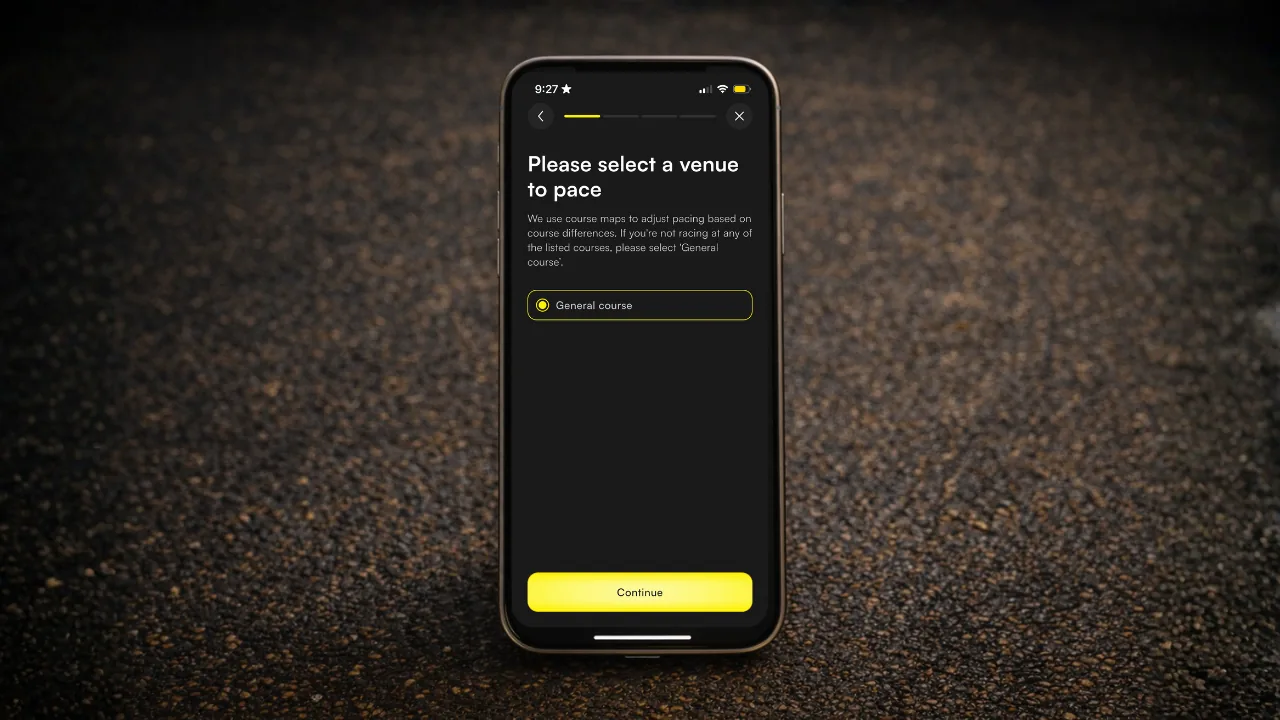
Pick your race from the list of upcoming HYROX events (only once a course map is loaded will you be able to see your event). If yours isn't listed yet or you want to create something to train with in the future, General Course gives you a solid prediction based on standard course data.
Where venue-specific data is available, the plan accounts for course differences, including ROXZONE distances, which vary more than most people expect.
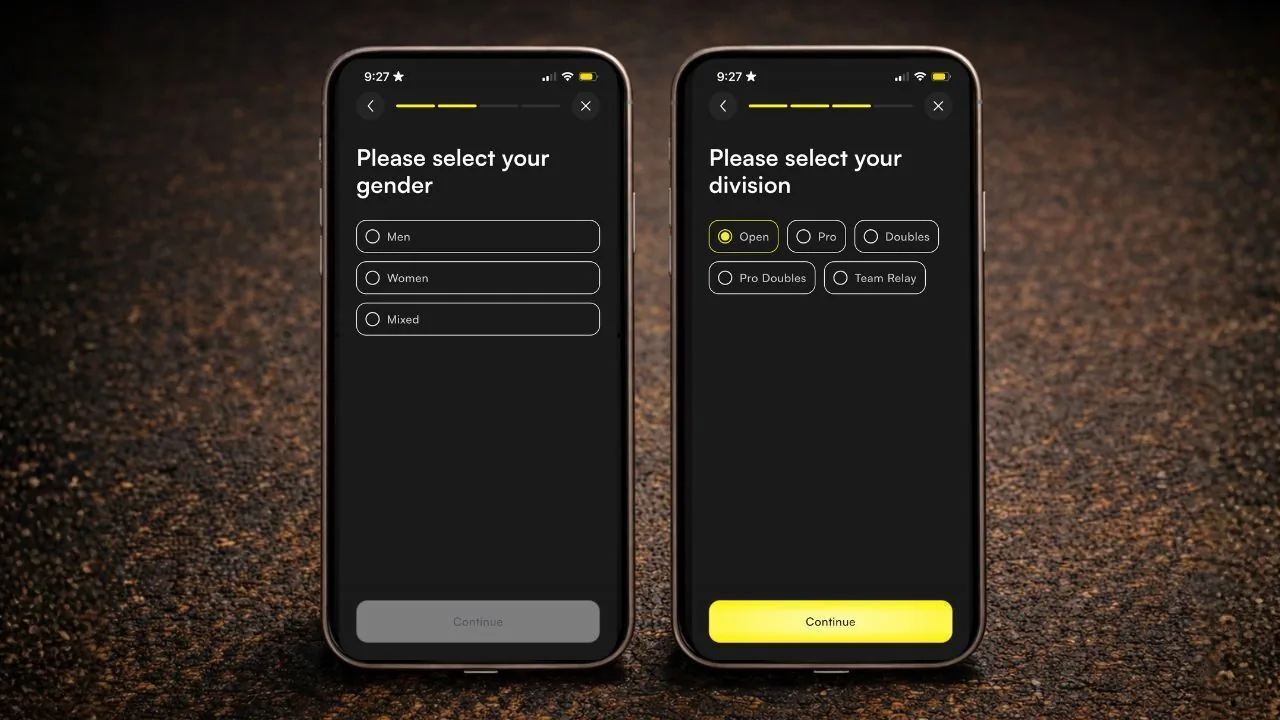
Step 3: Select your gender and division
| Division | What it is |
|---|---|
| HYROX Open | Individual efforts with standard weights |
| HYROX Doubles | Pairs with a shared workload. This can be the same gender or mixed. |
| HYROX Relay | Teams of four sharing runs and stations. |
| HYROX PRO | Individual efforts with pro (heavier) weights |
Both of these inputs feed into the data model. The more accurate they are, the sharper your splits will be.
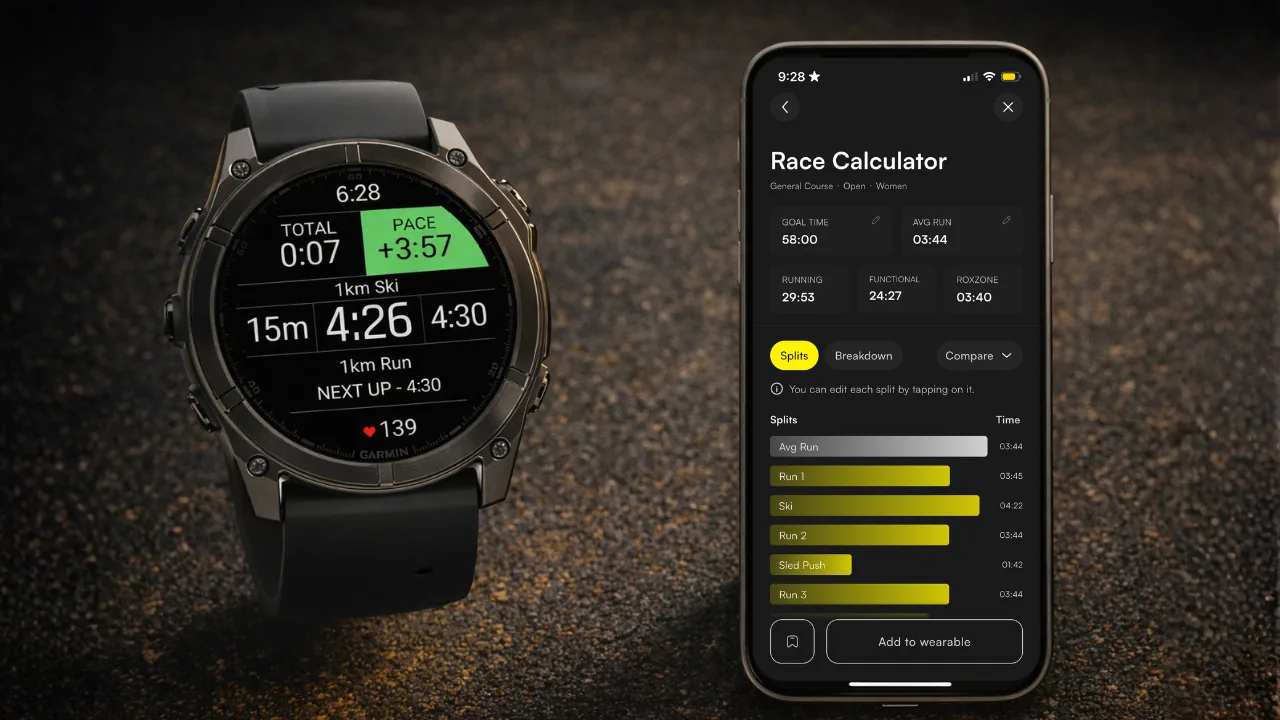
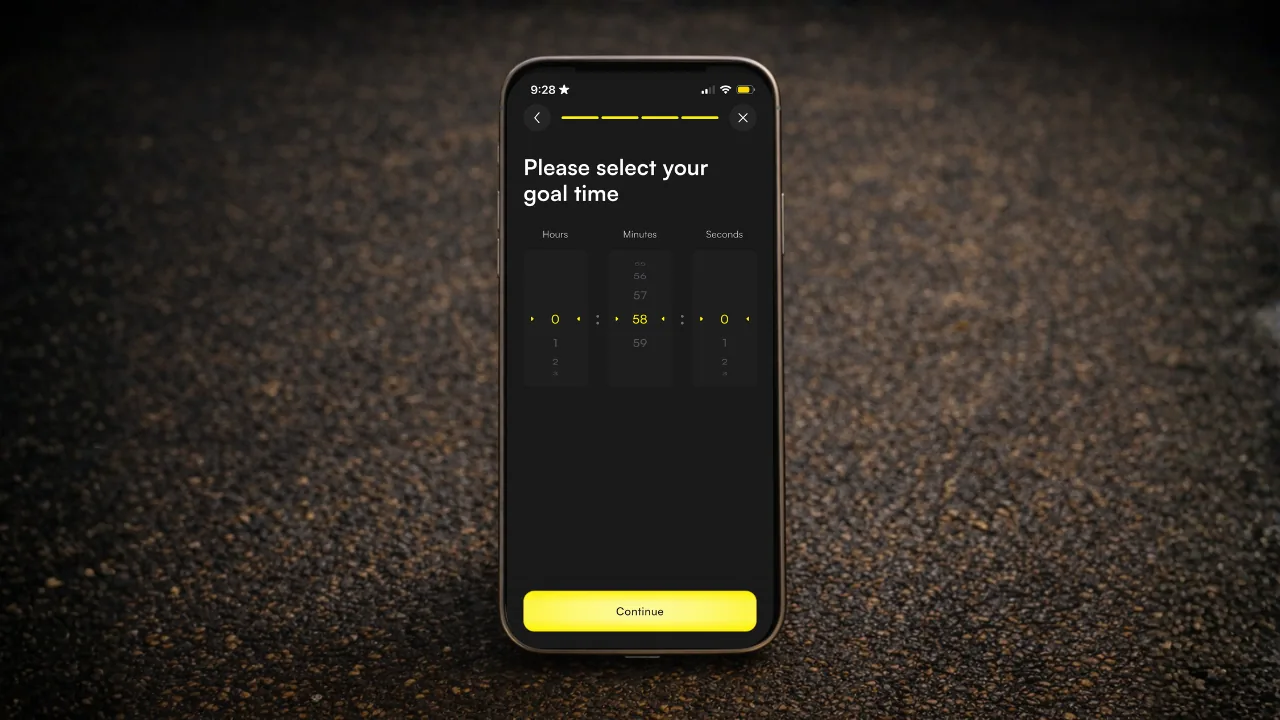
Step 4: Set your goal time
Dial in your target finish time. Be honest with yourself here. A plan built around an overly optimistic time isn't a strategy, it's a way to blow up on run five. Set a time you can actually race to (look at your running splits for guidance on this), and Race Goals will give you a plan worth following. Sadly, it can't fix an ego-driven goal time, so keep yours in check.
Step 5: Review and adjust your splits
Your full split plan is generated across every station. Build it around your strengths. Own the Ski Erg? Take a second back. Wall Balls your nemesis? Give yourself the time. Tap any split to edit it manually. The plan should fit how you race, not the other way around.
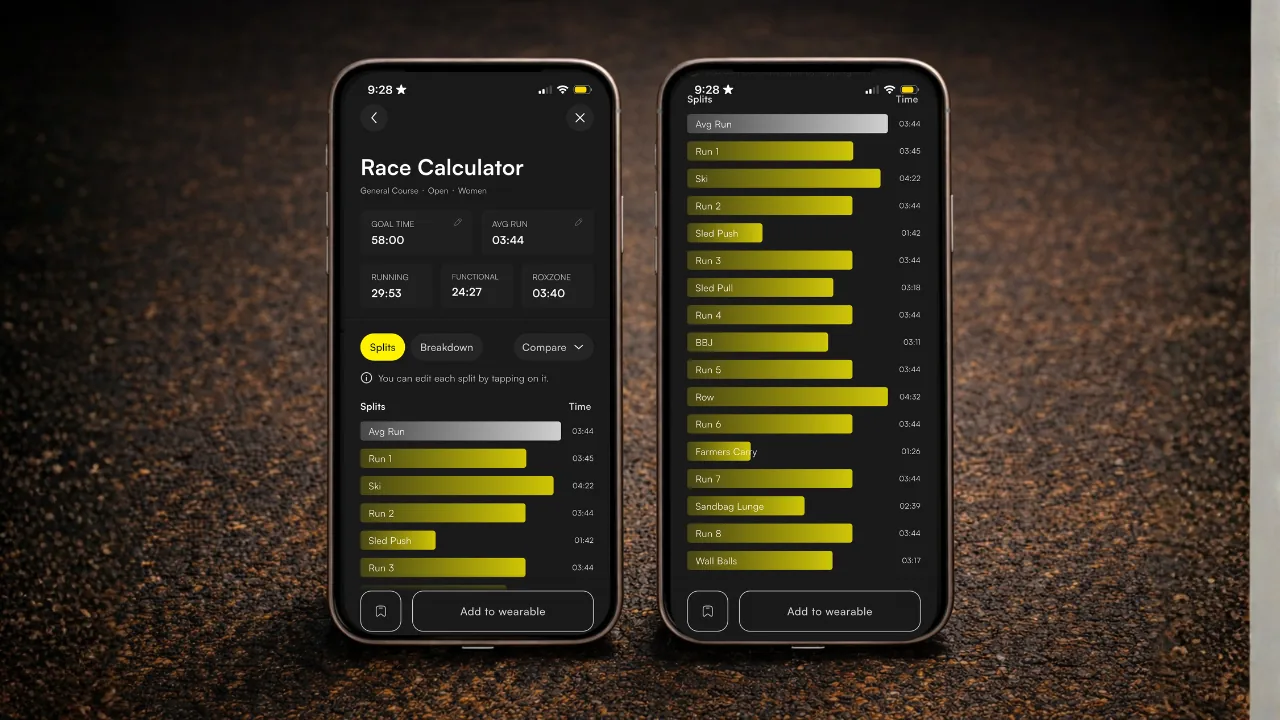
Step 6: Sync to your wearable and go
Push your splits to your Apple Watch, Garmin or Wear OS watch and you're set. Every target, every station, on your wrist. You've done the training. Now you've got the plan to match it.